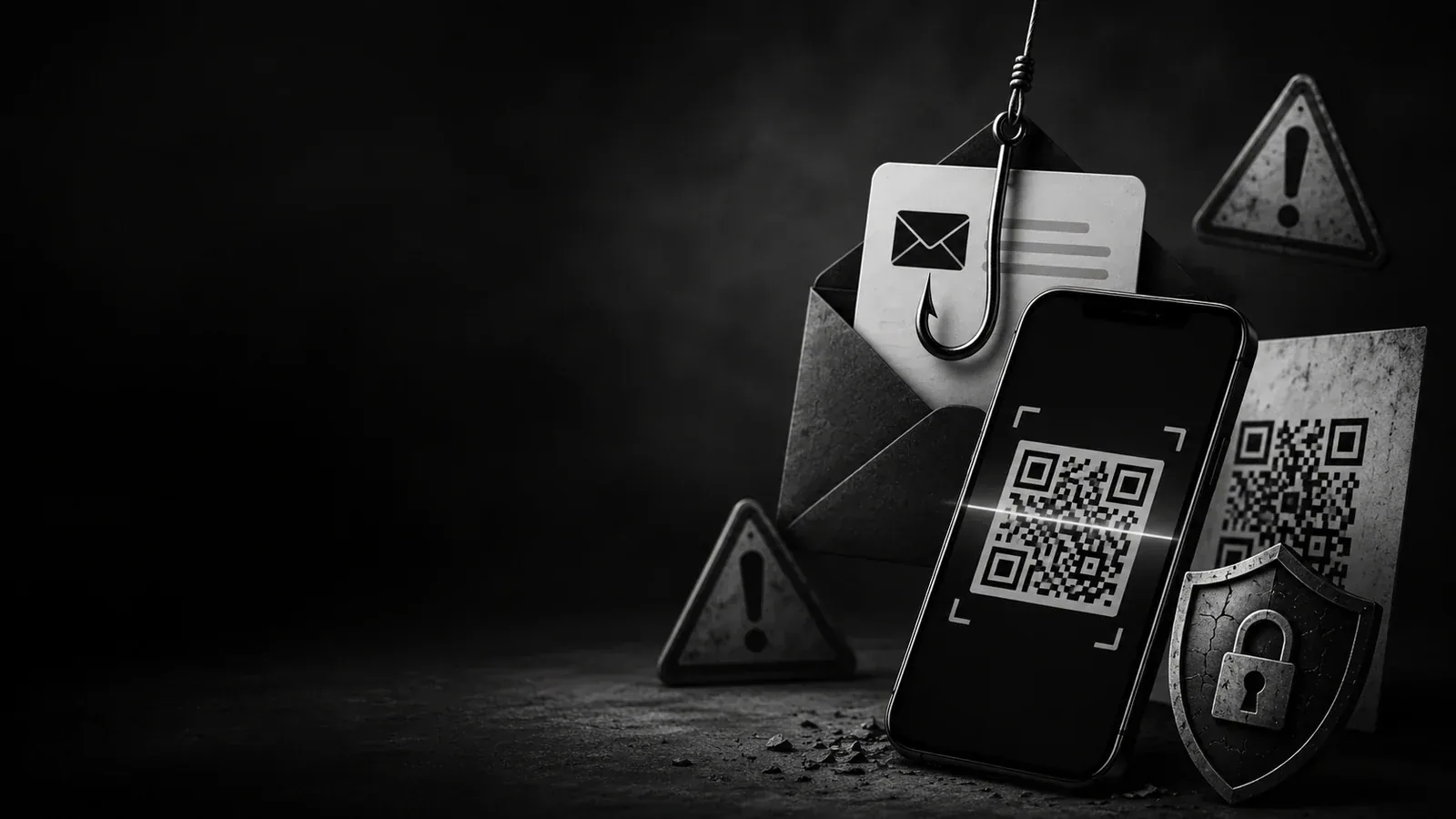
Email scams are no longer limited to obvious spelling mistakes and suspicious links. Modern phishing campaigns use polished designs, real-looking login pages, QR codes, CAPTCHA screens, and urgent business language.
For small businesses, this is dangerous because one stolen email account can expose client conversations, invoices, files, and internal systems.
What is QR-code phishing?
QR-code phishing, sometimes called quishing, uses a QR code to hide a malicious URL. The victim scans the QR code with a phone, lands on a fake page, and may enter credentials or payment information.
Attackers like QR codes because they can bypass some text-based email scanning tools and move the user from a protected company computer to a less-protected mobile device.
Why this matters in 2026
Microsoft Threat Intelligence reported approximately 8.3 billion email-based phishing threats in Q1 2026. It also reported that QR-code phishing grew from 7.6 million attacks in January to 18.7 million in March, a 146% increase over the quarter.
That trend shows why business owners need practical awareness, not only technical tools.
Common warning signs
- Urgent requests to scan a QR code to “verify” an account.
- Messages claiming payroll, tax, invoice, or delivery problems.
- Unexpected Microsoft 365, Google, bank, or payment login requests.
- QR codes embedded directly inside email bodies or PDF attachments.
- CAPTCHA pages before a login page.
- Links that redirect through multiple pages before showing a login form.
How businesses can reduce risk
- Train staff to treat QR codes in email as links, not as trusted images.
- Use phishing-resistant multi-factor authentication where possible.
- Verify invoice or payment changes by a second channel.
- Use password managers because they can help detect fake domains.
- Keep email security, domain authentication, and endpoint protection updated.
- Report suspicious messages internally instead of ignoring them.
Simple policy for teams
If an email asks you to scan a QR code, sign in urgently, update payment details, or run a command, stop and verify through a trusted channel first.
What to do after a suspected phishing incident
- Change affected passwords from a clean device.
- Revoke active sessions if the account provider allows it.
- Check mailbox forwarding rules and recovery options.
- Review recent login activity.
- Notify affected customers if sensitive data may be exposed.
- Preserve the email for investigation instead of deleting it immediately.
The best defense is a combination of tools, training, and clear internal rules. Phishing succeeds when people are rushed. Good process slows the moment down enough to prevent damage.
Useful resources
- Microsoft Security Blog: Email threat landscape Q1 2026
- NIST Cybersecurity Framework 2.0
- OWASP Application Security Verification Standard
Need help building this properly?
A professional website should not only look clean. It should load fast, explain the business clearly, collect leads, protect users, and be easy to manage from the admin panel.
a2tdev can help you design, build, secure, and maintain a production-ready website, support system, or custom business platform.
Continue the conversation.
Questions, useful additions and thoughtful disagreement are welcome. Keep replies relevant to the article and useful to other readers.
↑ Back to articleSign in to contribute.
The published discussion remains readable without an account.
Sign in →