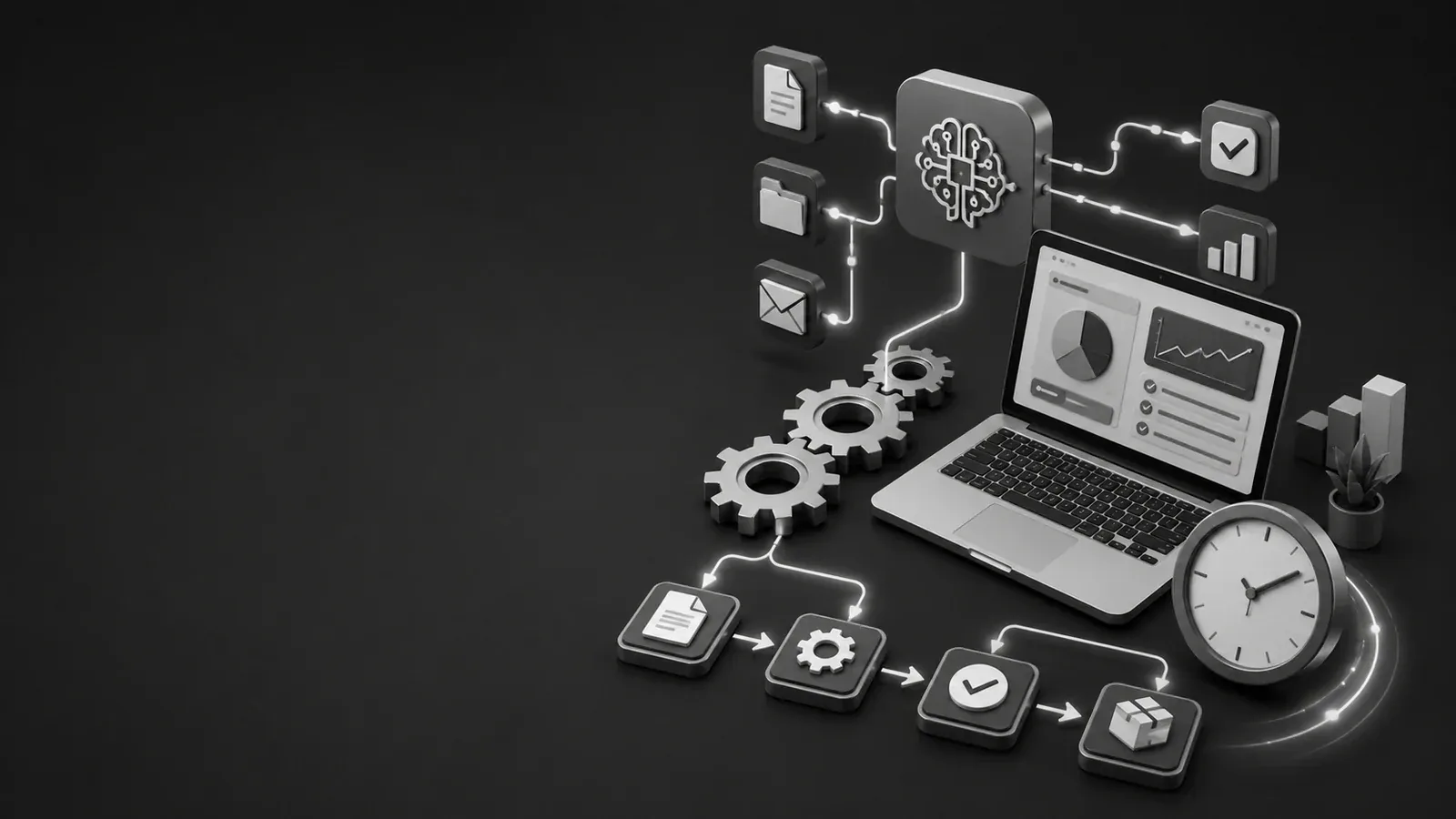
Small businesses lose time on repeated tasks: answering the same questions, copying customer details, following up manually, creating basic reports, sorting messages, and checking routine admin work. AI automation can reduce that workload when it is used carefully.
The goal is not to replace human judgment. The goal is to remove repetitive steps so the business owner or team can focus on decisions, service quality, and customers.
Where automation helps most
- Lead handling: collect form submissions, classify the request, and notify the right person.
- Customer support: answer common questions, suggest help articles, and create tickets.
- Content workflow: draft outlines, prepare SEO metadata, and organize blog packages for review.
- Invoices and quotes: prepare drafts based on approved pricing rules.
- Admin reporting: summarize weekly inquiries, sales, tickets, and project updates.
- Internal search: help staff find policies, product details, or project notes faster.
Use AI with guardrails
AI automation should not be given unlimited control over sensitive actions. A production system needs boundaries: what the AI can read, what it can suggest, and what still requires human approval.
This is especially important for customer data, payments, account changes, and security decisions. OWASP lists prompt injection and insecure output handling among major LLM application risks, which means AI output should be validated before it affects real systems.
A safe automation pattern
- Collect input from the user or system.
- Classify or summarize the request.
- Generate a draft response, task, or recommendation.
- Validate the output against business rules.
- Ask a human to approve important actions.
- Log the final action for tracking.
Examples for a service business
| Task | Automation idea | Human approval needed? |
|---|---|---|
| New project inquiry | Classify service type and create a draft project brief. | Yes |
| Support question | Suggest a reply from approved knowledge base content. | Sometimes |
| Blog upload | Validate ZIP, upload media, save posts as drafts. | Yes, before publish |
| Invoice draft | Generate draft based on approved quote data. | Yes |
What not to automate blindly
- Refunds, payments, or account deletion.
- Security alerts without human review.
- Legal or medical advice.
- Publishing public content without review.
- Any workflow where incorrect output can damage trust.
AI automation is powerful when it is treated as a controlled assistant, not an uncontrolled admin user. The best systems combine automation speed with human review, clear permissions, and audit logs.
Useful resources
- OWASP Top 10 for Large Language Model Applications
- OWASP Application Security Verification Standard
- NIST Cybersecurity Framework 2.0
Need help building this properly?
A professional website should not only look clean. It should load fast, explain the business clearly, collect leads, protect users, and be easy to manage from the admin panel.
a2tdev can help you design, build, secure, and maintain a production-ready website, support system, or custom business platform.
Continue the conversation.
Questions, useful additions and thoughtful disagreement are welcome. Keep replies relevant to the article and useful to other readers.
↑ Back to articleSign in to contribute.
The published discussion remains readable without an account.
Sign in →